Quick Answer
The most common web development strategy mistakes are starting without a plan, ignoring your target audience, cluttered design, slow loading speed, skipping testing and weak security. Avoid them by planning first, designing for your users, optimizing speed, testing on every device and protecting your site with SSL and regular backups.
A website is much more than a few linked pages presented in an attractive way. It is your office and your online store, and it is what people see when they want to learn about your business, brand or services. That is why a strong web development strategy is essential, whether your customers are across the US, the UK or both. A web development strategy covers how you design, build and run a website so it meets your goals and satisfies your visitors.
Table of Contents
- Common Web Development Strategy Mistakes and How to Fix Them
- Mistake #1: Starting Without a Plan
- Mistake #2: Ignoring the Target Audience
- Mistake #3: Poor Web Design
- Mistake #4: Slow Loading Speed
- Mistake #5: Not Testing Your Website
- Mistake #6: Weak Security
- Web Development Best Practices
- Conclusion
- FAQs
Common Web Development Strategy Mistakes and How to Fix Them
Many businesses jump into web development without thinking about what they really need. They might choose a design without considering mobile users, or launch without testing the site. As a result, visitors leave quickly, the first impression suffers and good customers are lost.
The good news is that careful planning helps you avoid these mistakes. Below are the most common errors and simple ways to fix each one.
Mistake #1: Starting Without a Plan
Many people build their site haphazardly. They don’t consider their target audience or goals; they simply pick a theme and publish pages. This causes confusion, wastes time and produces a website that doesn’t fit the business. Without a clear vision, it is almost impossible to stay within budget or meet deadlines.
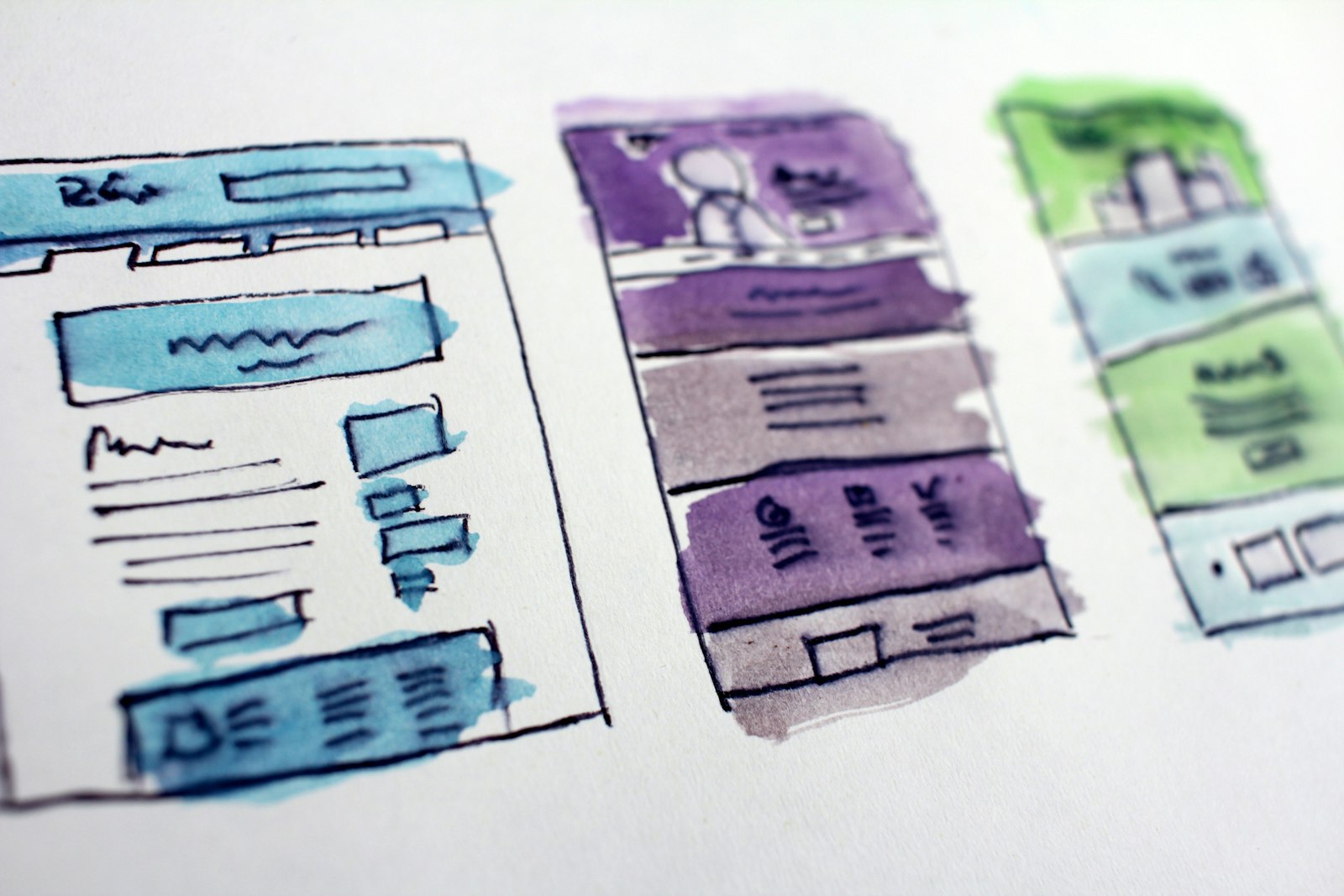
Solution: Take time before development to write down what your website must do, such as selling products, sharing information or winning new customers. Sketch a simple layout and set a budget for the project. A plan keeps your team organized and helps you build a website that fully meets your requirements.
Mistake #2: Ignoring the Target Audience
One of the biggest web development mistakes is forgetting the people who will actually use the website. Many sites are built around the owner’s taste instead of visitors’ needs, so the site pleases the owner but feels disorganized to everyone else.
Solution: Always keep your audience in mind. Consider their age, interests and preferences, and use clear, simple language. For example, a children’s website should feel bright and playful, while a corporate site should look clean and professional.
Mistake #3: Poor Web Design
Some sites are crowded with colors, fonts and images, which makes them hard to navigate. A confusing design frustrates visitors and stops them from engaging with your site, which damages how they see your brand.
Solution: Keep your website simple, with clean fonts and a limited color palette, so it looks professional. Highlight the most important elements so information is easy to find. Use images, icons and color, but don’t overdo it, because too much puts visitors off. A professional web design team can help you get this balance right.
Mistake #4: Slow Loading Speed
When your site loads slowly, customers leave. Search engines also rank slow websites lower, which makes it harder for people to find you and weakens your SEO.
Solution: Compress images before publishing them, and avoid huge files and heavy animations. Choose reliable hosting, remove unnecessary scripts and monitor your site speed regularly.
Mistake #5: Not Testing Your Website
Many owners launch their websites without testing them on different devices or browsers. As a result, links and buttons break and pages look strange on mobile phones.
Solution: Click through your entire site before going live. Test every button and link to make sure it works, and check your website on computers, tablets and phones.
Mistake #6: Weak Security
A poorly built site can be hacked easily, leading to data loss and stolen customer information.
Solution: Protect your website with an SSL certificate, strong passwords and two-step verification. Back up your site regularly so you can restore it if something goes wrong.
Web Development Best Practices
The practices below help you save time and money, avoid repeating the same mistakes and build a better site that works now and in the future.
- Have a clear plan: Write down the purpose of your site, its key pages, a timeline and a budget, and decide who is responsible for each part of the process.
- Focus on user experience: Use simple navigation, clear labels and menus, readable fonts and colors, and plenty of white space so your site looks professional.
- Keep the website fast: Crop and compress images, use modern formats such as WebP, and remove heavy animations and unnecessary plugins.
Conclusion
By avoiding these common web development pitfalls, you can build a user-friendly, professional website. Careful planning, strong performance and attention to detail make the difference between a site that frustrates visitors and one that wins customers. Once your site is in good shape, the next step is getting found, so read our guide on how to choose the right SEO services company.
Looking for reliable web development services? MadHustlers puts all of these strategies into practice to give you a website that helps your business grow faster. Explore our web design services in the US or our web design services in the UK, or contact us to discuss your project.
FAQs
1. How can I improve my website design?
Keep it simple, use fonts that are easy to read and limit your colors. Make important information stand out and use visuals such as pictures and icons to improve the experience without overwhelming visitors.
2. Why is my website slow, and how can I speed it up?
Large images, bulky files and unnecessary scripts usually slow websites down. Compress images, avoid heavy animations and choose a dependable hosting provider.
3. Why should I test my website?
Testing makes sure every link, button and page works correctly on different devices and browsers. It gives users a smooth experience and prevents problems after launch.
4. How can I make my website more secure?
Install an SSL certificate, use strong passwords, enable two-step verification and back up your site regularly to prevent data breaches and hacking.
5. What are the best practices for a successful web development project?
Have a clear plan, prioritize user experience, keep the site fast and test performance regularly. These practices save time and money and improve your site’s results.